On this page
Navigation Component
navigator
Function Description: Page link。
Parameters and descriptions:
| Properties | Type | Legal values | Default value | Required | Description |
|---|---|---|---|---|---|
| target | string | self:Current mini program miniProgram:Other mini programs | self | No | On which target the jump occurs, the default is the current mini program |
| url | string | - | - | No | Jump within the current mini program |
| open-type | string | navigate:Corresponding to the function of wx.navigateTo or wx.navigateToMiniProgram redirect:Corresponding to the function of wx.redirectTo switchTab:Corresponding to the function of wx.switchTab reLaunch:Corresponding to the function of wx.reLaunch navigateBack:Corresponding to the function of wx.navigateBack exit:Exit the mini program, effective when target='miniProgram' | navigate | No | Jump method |
| delta | number | - | 1 | No | Valid when open-type is 'navigateBack', indicating the number of layers to fall back to |
| app-id | string | - | - | No | Valid when target='miniProgram' and open-type='navigate', the appId of the mini program to be opened |
| path | string | - | - | No | Valid when target='miniProgram', the path of the page to be opened, if empty, the homepage will be opened |
| extra-data | object | - | - | No | Valid when target='miniProgram', the data that needs to be passed to the target mini program, the target mini program can obtain this data in App.onLaunch(), App.onShow(). |
| version | string | develop:Development version trial:Experience version release:Official version, this parameter is valid only when the current mini program is a development version or experience version; if the current mini program is an official version, the mini program to be opened must be the official version | release | No | Valid when target='miniProgram' and open-type='navigate', the mini program version to be opened |
| hover-class | string | - | navigator-hover | No | Specify the style class when clicking, when hover-class='none', there is no click state effect |
| hover-stop-propagation | boolean | - | false | No | Specify whether to prevent the ancestor node of this node from appearing in the click state |
| hover-start-time | number | - | 50 | No | How long does the click state appear after pressing, in milliseconds |
| hover-stay-time | number | - | 600 | No | How long does the click state last after the finger is released, in milliseconds |
| bindsuccess | string | - | - | No | Valid when target='miniProgram', the mini program jump is successful |
| bindfail | string | - | - | No | Valid when target='miniProgram', the mini program jump fails |
| bindcomplete | string | - | - | No | Valid when target='miniProgram', the mini program jump is completed |
- Usage restrictions: Require user confirmation to jump
TIP
The default value of navigator-hover is {background-color: rgba(0, 0, 0, 0.1); opacity: 0.7;}, and the background color of <navigator>'s child nodes should be transparent.
- Sample code:
sample.wxmal:
js
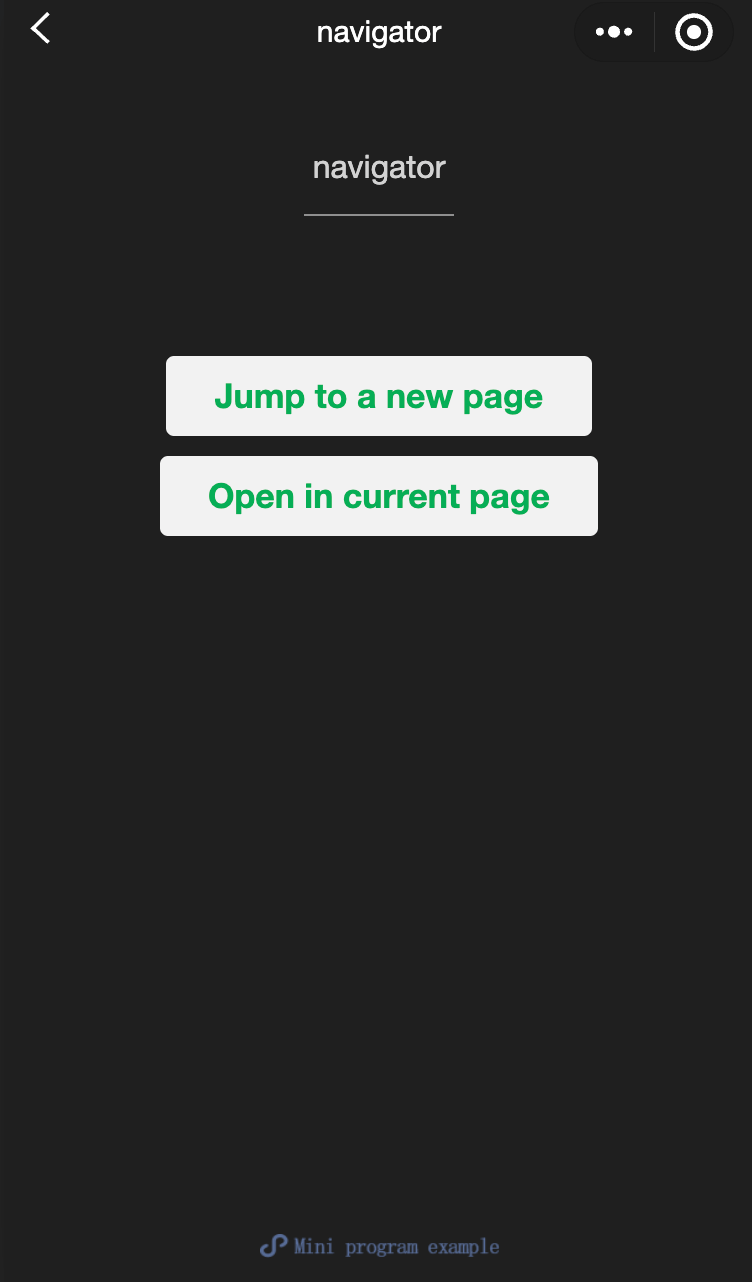
<view class="btn-area">
<navigator
url="/page/navigate/navigate?title=navigate"
hover-class="navigator-hover"
>
Navigate to a new page.
</navigator>
<navigator
url="../../redirect/redirect/redirect?title=redirect"
open-type="redirect"
hover-class="other-navigator-hover"
>
Open on the current page.
</navigator>
</view>navigator.wxml:
js
<view style="text-align:center"> {{title}} </view>
<view> Tap the top left corner to return to the previous page. </view>
redirect.wxml:
js
<view style="text-align:center"> {{title}} </view>
<view> Tap the top left corner to return to the parent page. </view>
javascript:
js
Page({
  onLoad: function(options) {
    this.setData({
      title: options.title
    })
  }
})
wxss:
js
Page({
  onLoad: function(options) {
    this.setData({
      title: options.title
    })
  }
})